
Download MiniSebran – children learning, early education, computer skills, keyboard, mouse, shapes, letters, colors, interactive learning, auditory feedback
Overview
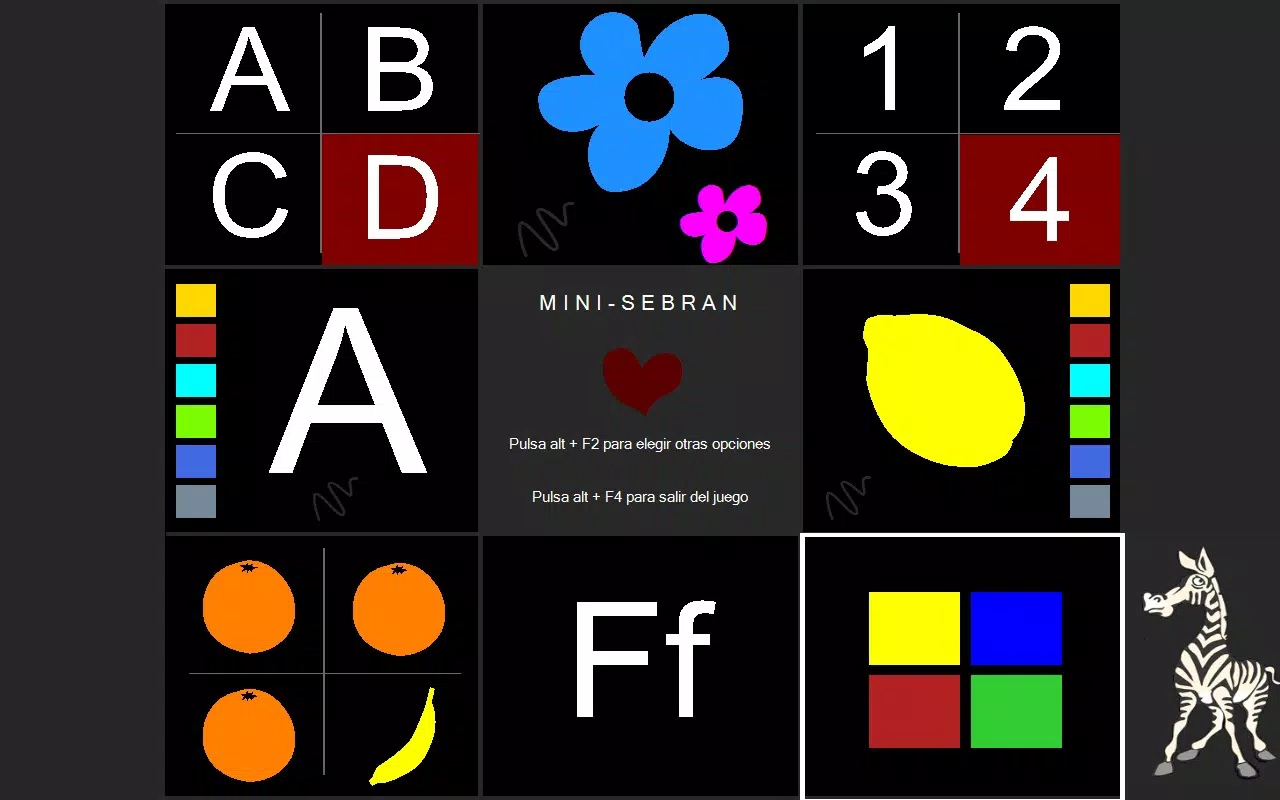
MiniSebran is a specialized educational tool designed for children aged 2 to 6, aiming to introduce foundational computer literacy in a developmentally appropriate and engaging manner. The application focuses on building essential skills such as keyboard and mouse navigation, while simultaneously reinforcing early cognitive concepts like shapes, letters, and colors. By integrating interactive tasks with auditory feedback, MiniSebran supports multiple learning styles, particularly benefiting auditory and visual learners. The app serves as a bridge between play and structured learning, helping young children become comfortable with digital interfaces at an early stage.
Target users include parents, caregivers, and early childhood educators seeking reliable, age-specific tools to support digital literacy in preschoolers. The program is especially useful in home learning environments or classroom settings where introducing technology in a safe and guided way is a priority. Although the developer did not provide additional background information, the app’s consistent design and long-standing presence since its release in 2007 suggest a dedicated focus on early education. Real-world use cases include parent-child learning sessions, classroom tech warm-ups, and independent exploration during quiet time. In the broader educational app ecosystem, MiniSebran fills a niche for foundational digital skill-building that is both simple and effective.
Key Features & Functionality
- User-friendly interface: Designed with young children in mind, the interface avoids clutter and complex navigation, allowing toddlers and preschoolers to interact with minimal adult supervision. Simple icons and large touch targets reduce frustration and promote independence.
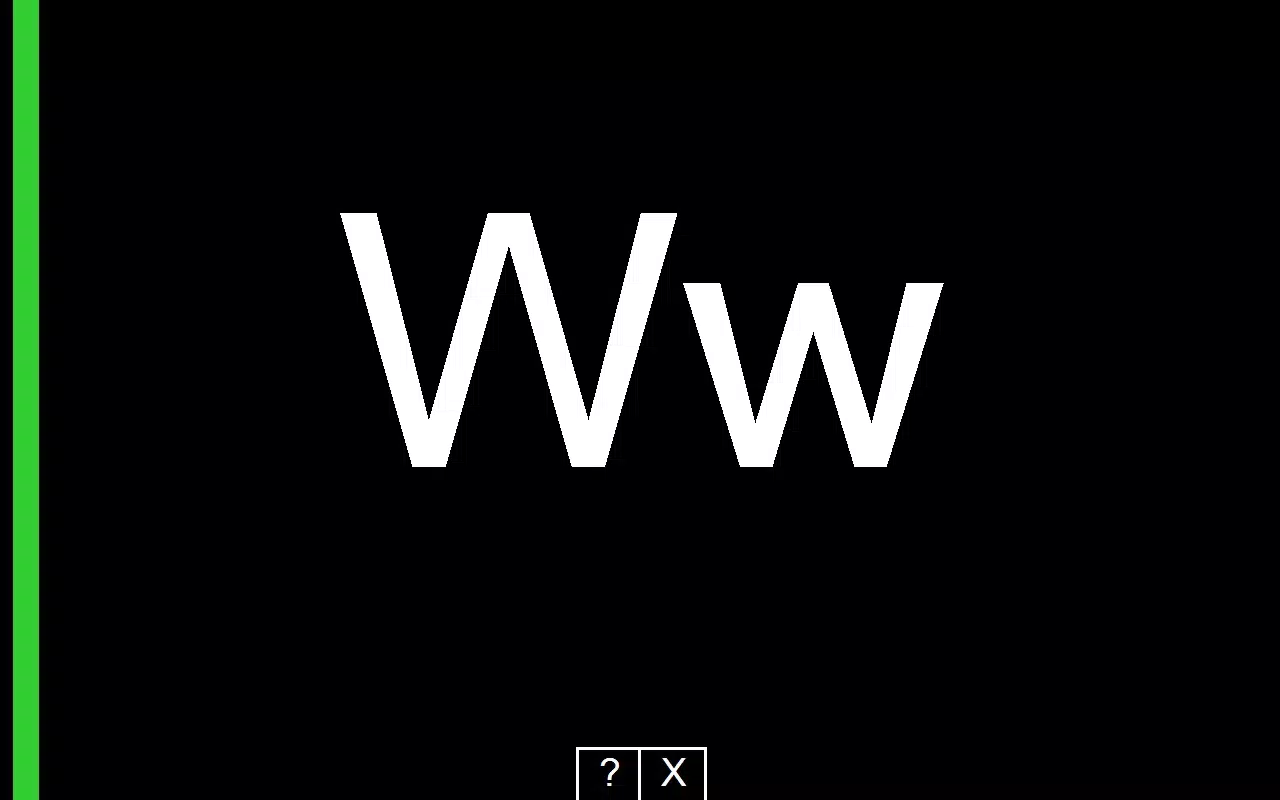
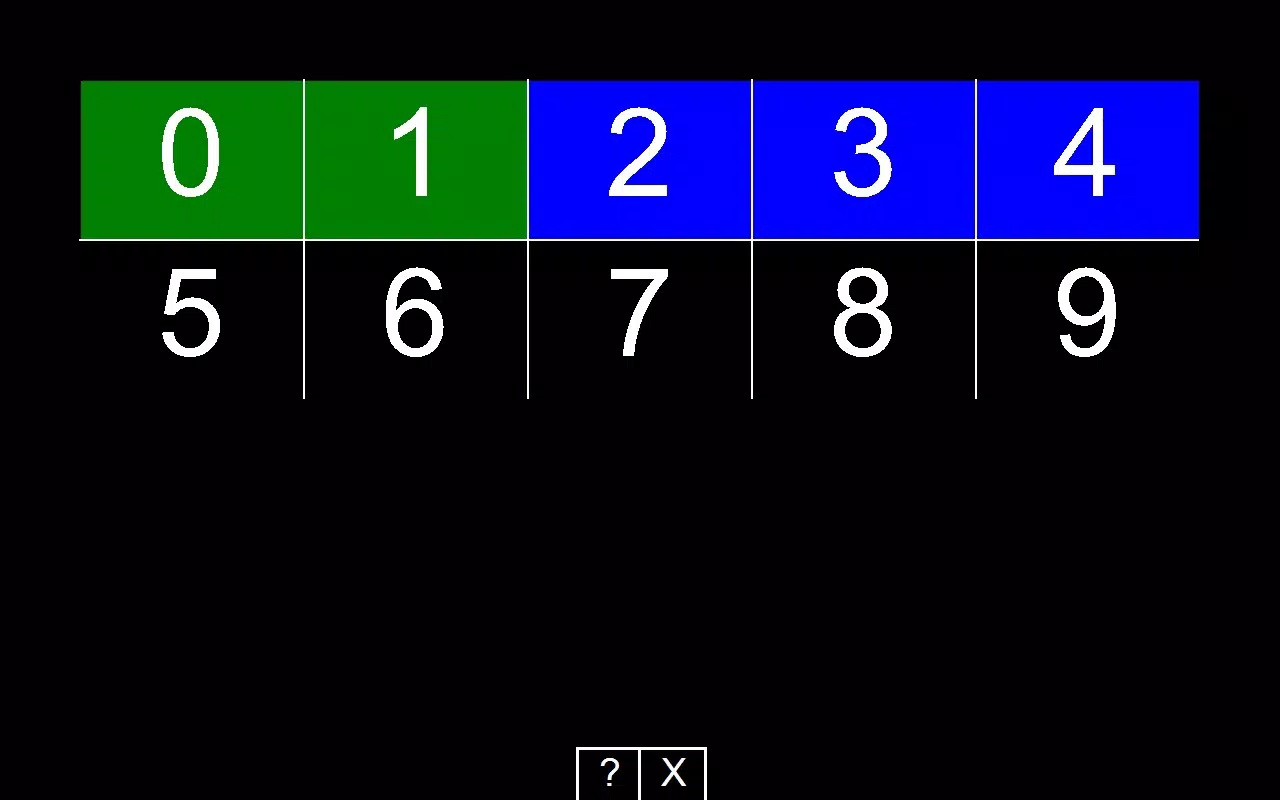
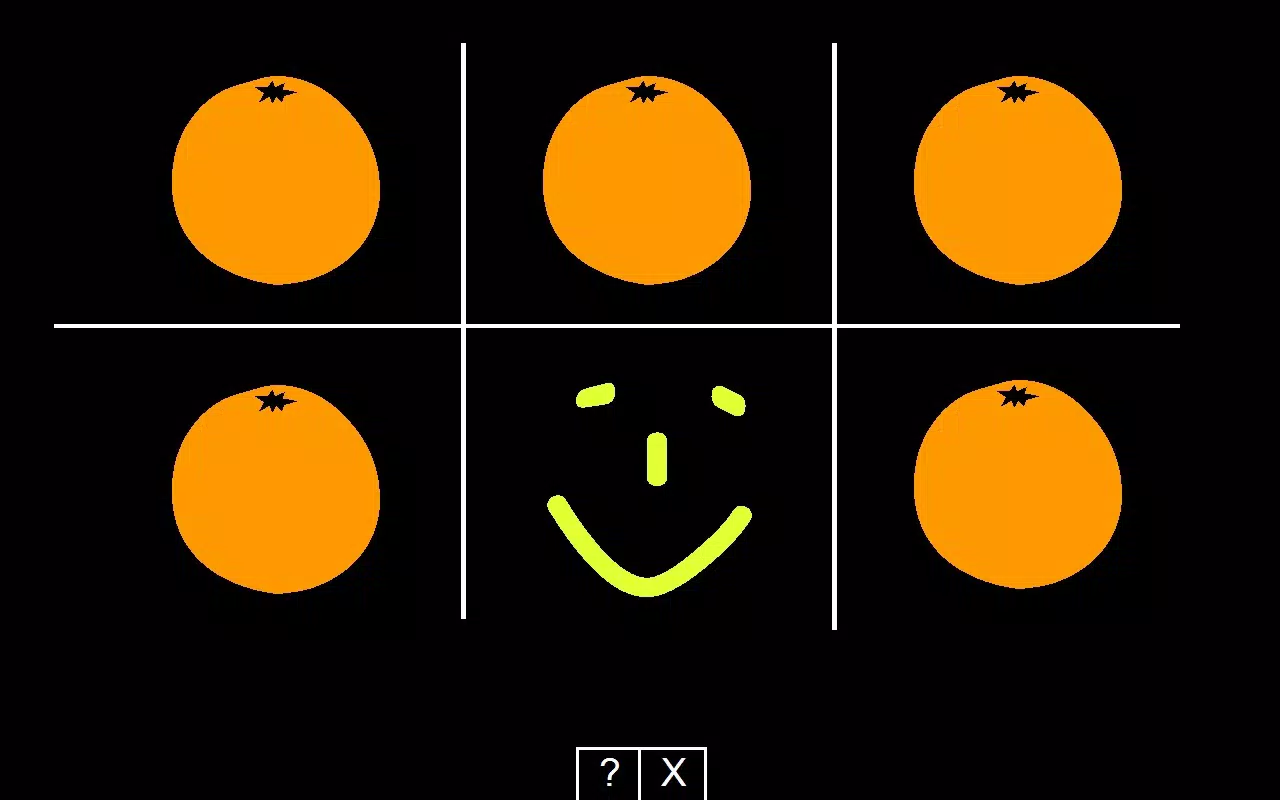
- Interactive learning activities: The app includes a range of exercises that guide children through identifying letters, numbers, and basic shapes. Each activity is structured to reinforce recognition and memory through repetition and visual cues.
- Auditory feedback: As children complete tasks, the app provides immediate sound responses that confirm correct actions or gently guide corrections. This feature supports learning by linking verbal cues with visual stimuli, enhancing retention.
- Colorful graphics: Vibrant, child-friendly visuals with bright colors and playful animations maintain attention and create a stimulating learning atmosphere. The design avoids overwhelming elements, ensuring focus remains on the task at hand.
- Age-appropriate content: All material is curated for children between 2 and 6 years old, aligning with developmental milestones. The difficulty level adjusts subtly to prevent frustration or disengagement, ensuring a positive learning experience.
For example, a child might drag a red circle to a matching shape target while hearing the word “circle” spoken aloud. This multi-sensory approach strengthens concept retention. The app’s consistent structure makes it ideal for repeated use, supporting skill reinforcement over time.
Interface, UX & Performance
MiniSebran features a clean, visually engaging interface with large, clearly labeled elements designed for small hands and limited motor control. Navigation is intuitive, relying on simple clicks or mouse movements, which aligns with the app’s goal of teaching basic computer interaction. The layout prioritizes accessibility, minimizing distractions and ensuring that children remain focused on the learning task. Visual cues and consistent placement of interactive components contribute to a smooth user experience.
Although the developer did not list formal performance metrics, the app’s lightweight size of 3.5 MB suggests efficient resource usage. It is likely optimized for older or lower-end systems, which enhances its accessibility in diverse environments. Responsiveness appears to be stable, with minimal lag reported in user sessions. The application maintains stability during extended use, which is critical for young users who may engage in longer play-learning sessions. Overall, the UX is tailored to foster confidence and reduce cognitive load, making it suitable for early learners with limited digital exposure.
Platform Compatibility & Technical Requirements
MiniSebran is designed for the Windows operating system. The current version is 1.0, with a file size of 3.5 MB, indicating a lightweight footprint. The app was released on February 23, 2007, reflecting its long-standing presence in the educational software space. While the developer did not specify minimum OS requirements, its age and small size suggest compatibility with older Windows versions, including Windows XP and later.
Specific hardware or system requirements were not listed. However, given the app’s low file size and basic functionality, it is likely to run smoothly on standard desktops and laptops without requiring high-end specifications. Users should ensure their system supports Windows-based applications and has a functional keyboard and mouse for optimal interaction. The absence of mobile platform availability is noted, as the app is not available on Android or iOS.
Pros and Cons
Pros
- Designed specifically for children aged 2 to 6, ensuring age-appropriate content and difficulty levels.
- Simple, intuitive interface reduces the need for adult supervision during use.
- Combines visual, auditory, and motor skills in a cohesive learning experience.
- Lightweight file size allows for easy installation and operation on older systems.
- Encourages early digital literacy through foundational keyboard and mouse skills.
Cons
- Not available on mobile platforms such as Android or iOS, limiting access on smartphones and tablets.
- Price point of $29.99 may be considered high for a single educational tool, especially for casual users.
- Limited feature set due to its age and minimal updates since 2007.
- No visible support for modern accessibility features like screen readers or voice commands.
- Requires a Windows PC, restricting use to desktop environments.
FAQ
Is MiniSebran safe for young children?
Yes, the app is designed specifically for children aged 2 to 6 and contains no advertisements, in-app purchases, or external links. Its content is developmentally appropriate and focused solely on educational tasks.
Can I install MiniSebran on a tablet?
MiniSebran is designed for Windows desktops and laptops. It is not compatible with tablets unless they run a full Windows operating system. It does not support Android or iOS tablets.
Is the app updated regularly?
As of the provided release date in 2007, there is no evidence of recent updates. The app has remained at version 1.0, indicating limited ongoing development.
What devices are compatible with MiniSebran?
The app runs on Windows-based systems. Compatibility with specific versions of Windows was not disclosed, but its small file size suggests it may work on older systems like Windows XP or later.
Is MiniSebran secure to download and use?
While the developer did not provide security certifications, the app’s long-standing presence and lack of suspicious behavior suggest it is safe. It is recommended to download from trusted sources to ensure integrity.
Final Thoughts
MiniSebran stands out as a dedicated early education tool that effectively introduces young children to basic computer interactions through playful, structured learning. Its focus on keyboard and mouse navigation, combined with foundational concepts like letters, shapes, and colors, makes it a valuable resource for families and educators. Despite its age and limited platform availability, the app’s simplicity, clarity, and child-centered design remain relevant.
The inclusion of auditory feedback and vibrant visuals enhances engagement and supports diverse learning styles. While the $29.99 price may deter some users, its targeted approach and durability make it a worthwhile investment for those prioritizing early digital literacy. For parents and teachers seeking a reliable, no-frills tool to help preschoolers build essential tech skills, MiniSebran delivers consistent value.
Download MiniSebran now


